Environment Form
The Environment Form is used to create and edit Environments.
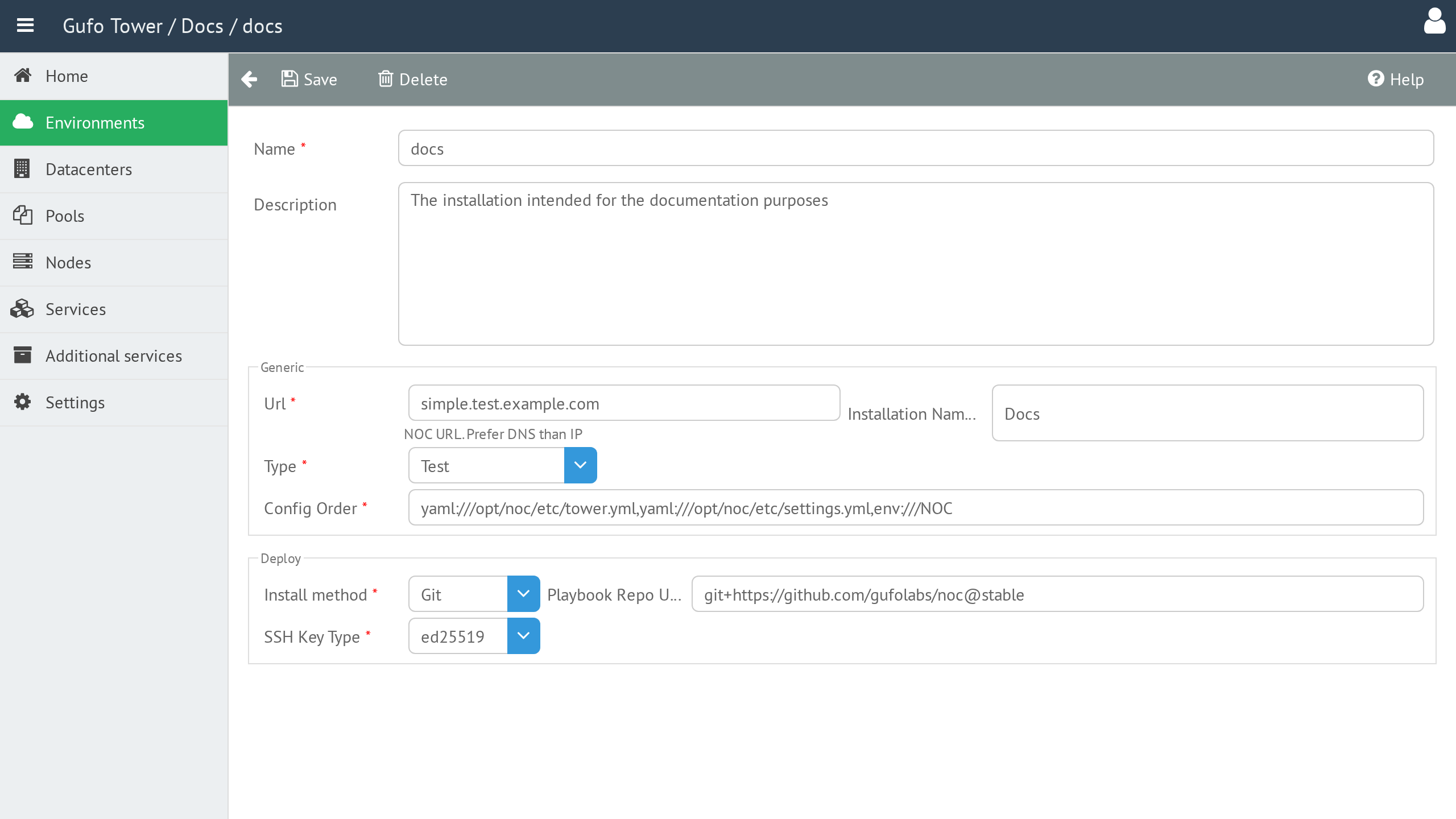
Name
The Environment name.
The name should be reasonably short and may contain only Latin letters (uppercase or lowercase), digits, and underscores (_). The name must be unique among Environments.
Description
A detailed, human-readable description of the Environment.
URL
The starting URL of the NOC web application. This is the address at which the NOC installation will be available to users.
Installation Name
The human-readable name of the NOC installation. It is displayed in the NOC application header.
Type
The Environment type. See Environment Types for details.
Config Order
Defines the order in which the NOC configuration is loaded.
For details, refer to the NOC Configuration System Overview.
Install Method
Defines the method used to install NOC.
Playbook Repo URL
The URL of the Git repository from which the Ansible playbooks will be obtained. See Git Repository URL Format for details.
SSH Key Type
Defines the type of SSH key generated for the Environment and used for deployment.
The following key types are supported:
- ED25519
- RSA
Environment Form Toolbar
The toolbar provides actions for managing the current Environment.

| Button | Description |
|---|---|
| Back | Return to the Environment List. |
| Save | Save changes to the current Environment. |
| Delete | Delete the current Environment. |