Services
Services are NOC services that will be deployed to Nodes in the selected Environment. The Services page is a single form for selecting the services to deploy and configuring their settings.
Accessing Services
Services are available only when an Environment is selected.
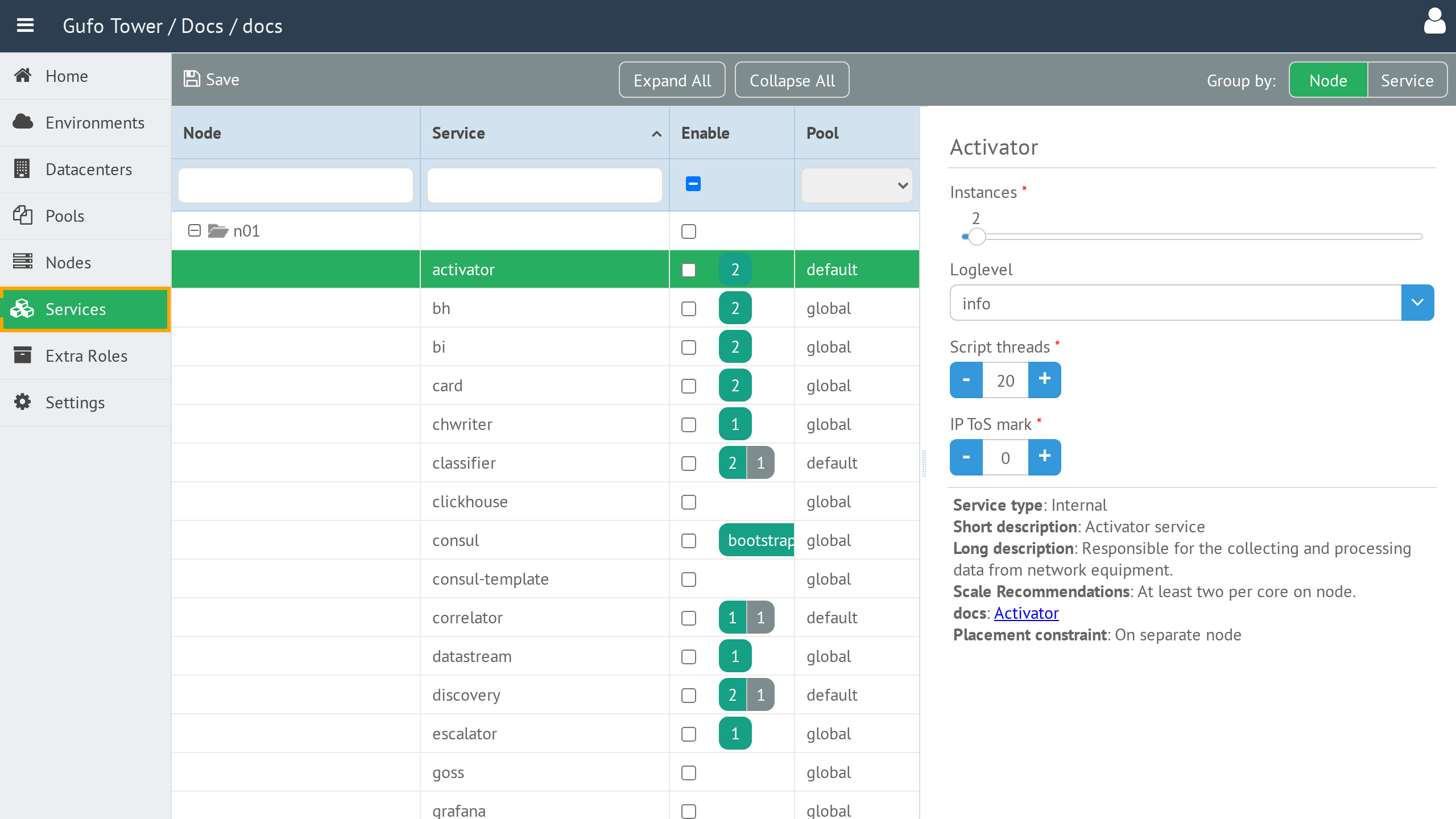
To open the Services page, select the required Environment and then select Services in the sidebar.
Service List
The left side of the page contains the service tree. By default, it is grouped by Node, so it shows the services configured on each Node.
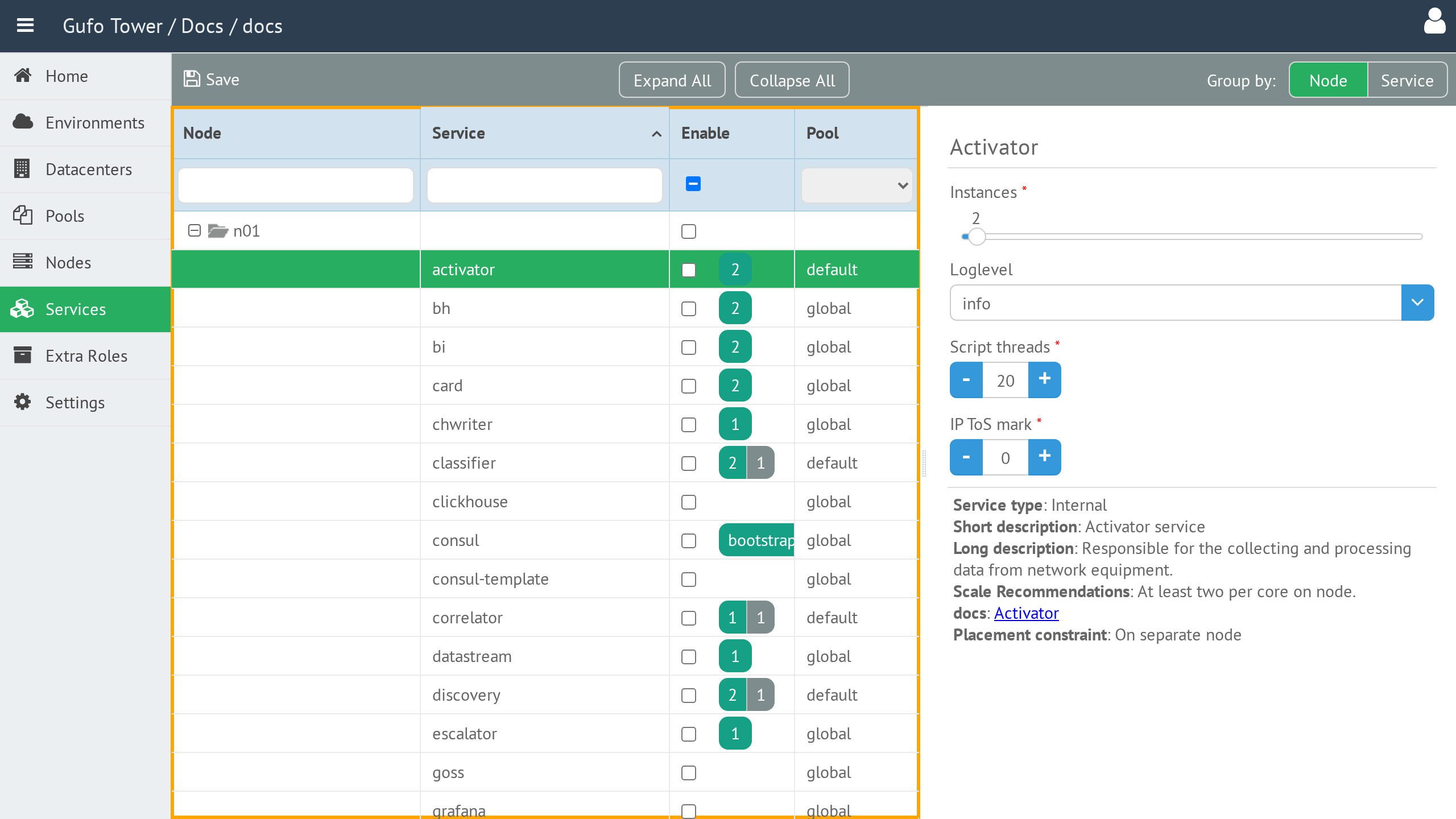
Use the Group by control to change the view:
| Option | Description |
|---|---|
| Node | Groups services by Node. |
| Service | Groups services by service, making it possible to see the Nodes on which each service is deployed. |
Select a service in the tree to display its settings. The tree also provides filters for the service and Node columns, an Enable control, and a Pool selection.
Service Settings
Selecting a service displays its parameters on the right side of the page.
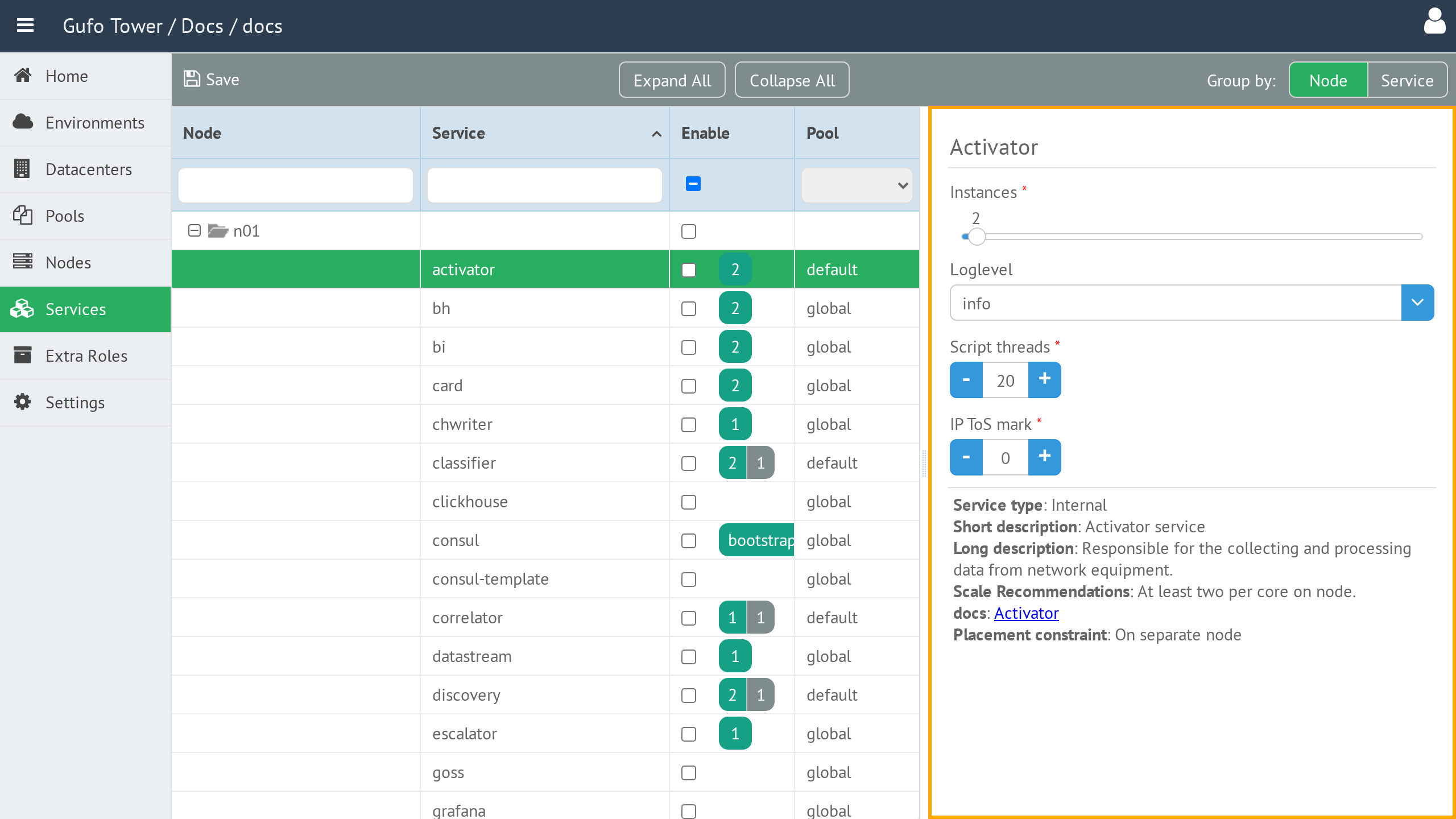
The available parameters depend on the selected service. Refer to the linked NOC documentation shown in the settings panel for the description of each service and its parameters.
After configuring the required services, select Save to save the changes.
Toolbar
The toolbar provides actions for working with services.

| Button or control | Description |
|---|---|
| Save | Saves changes to service settings. |
| Expand All | Expands all branches of the service tree. |
| Collapse All | Collapses all branches of the service tree. |
| Group by | Groups the service tree by Node or Service. |
| Help | Shows this help page. |