Working with the Extra Role List
The Extra Role List displays all Extra Roles currently configured in Gufo Tower.
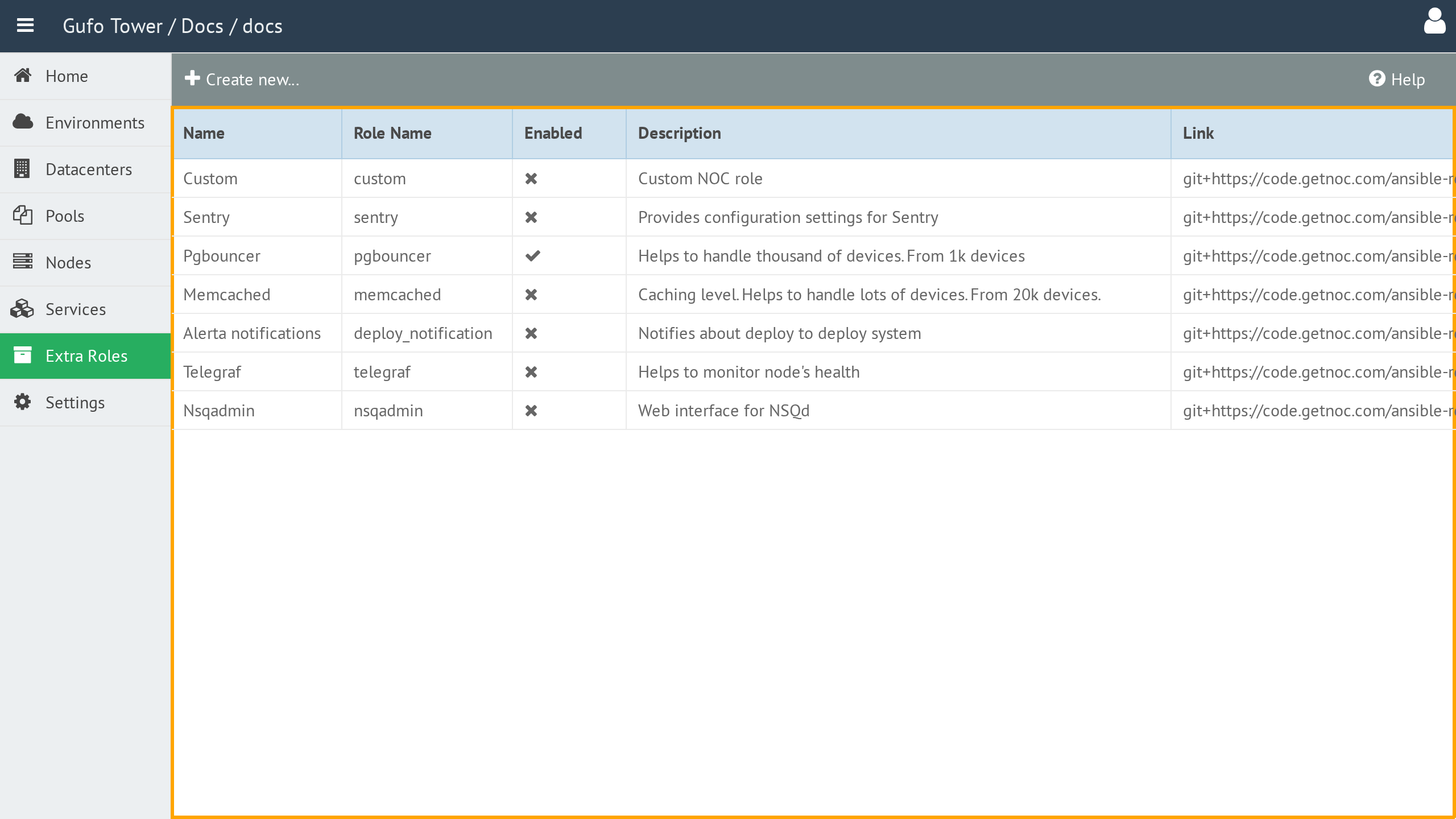
The list contains the following columns:
| Column | Description |
|---|---|
| Name | Human-readable name of the role. |
| Role Name | Machine-readable role name used to reference the role during deployment. |
| Enabled | Indicates whether the role is enabled. Disabled roles are excluded from deployment. |
| Description | Human-readable description of the role. |
| Link | Link to the Git repository containing the role. See the repository for details. |
To view and configure an Extra Role, double-click the corresponding row in the list to open the Extra Role Form.
Toolbar
A toolbar above the list provides actions for managing Extra Roles.

The toolbar contains the following buttons:
| Button | Description |
|---|---|
| Create New | Creates a new Extra Role. |
| Help | Shows this help page. |