Settings
The Settings page allows you to configure the Gufo Tower installation.
Accessing Settings
To access Settings, select the Settings item in the sidebar.
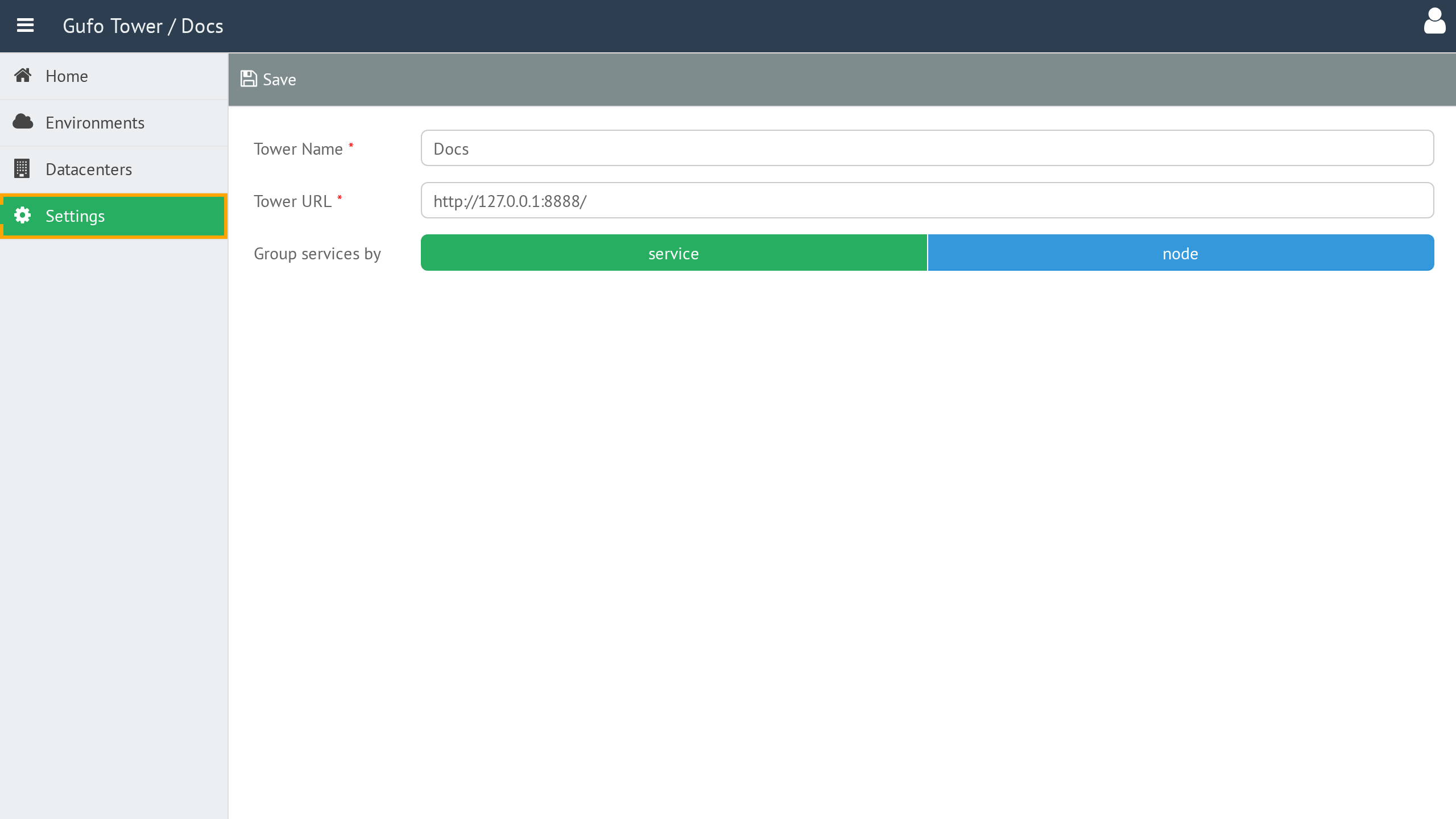
Settings Form
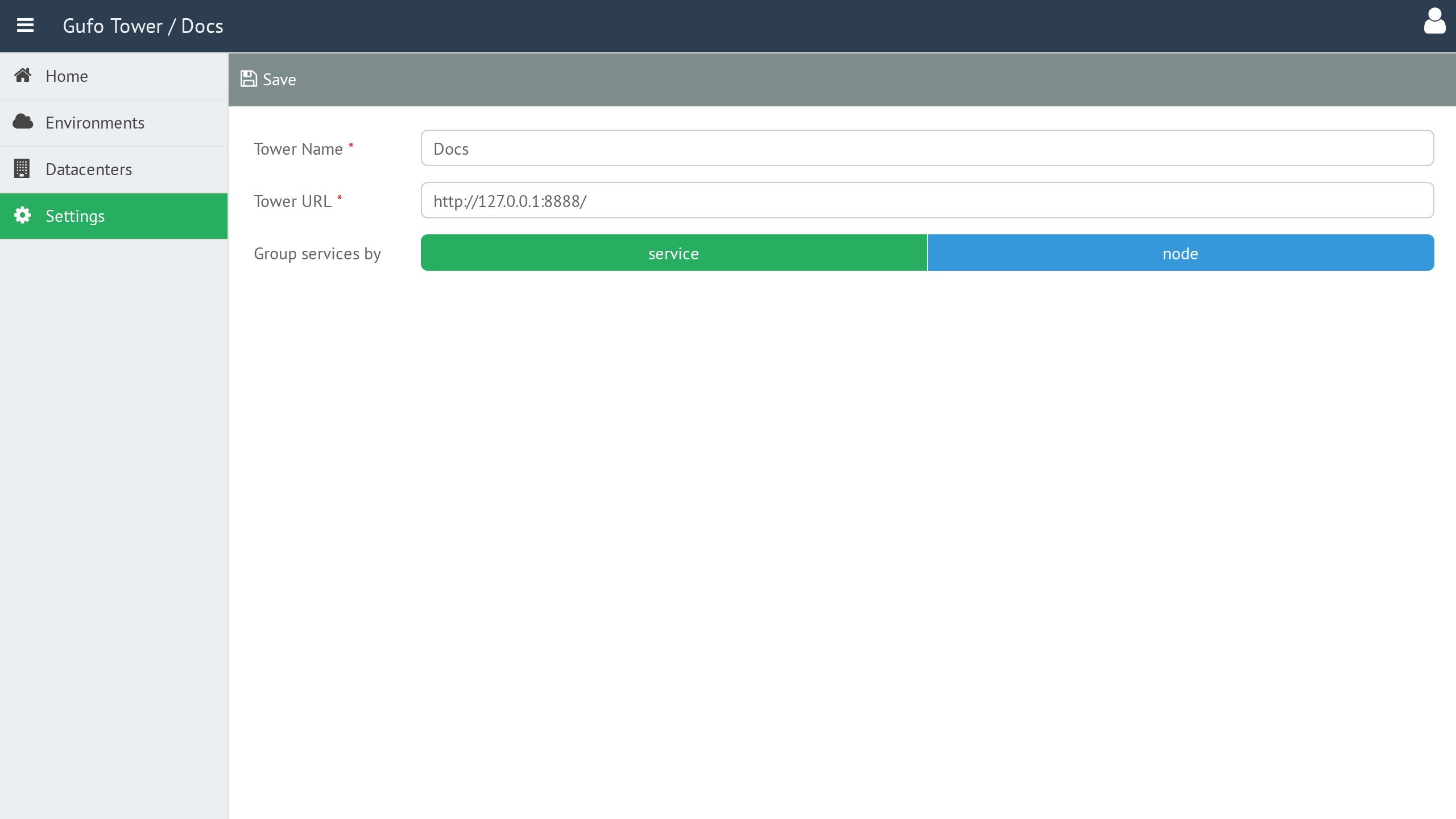
The Settings Form contains the configuration parameters for the Gufo Tower installation.
Tower Name
The name of the Gufo Tower installation. It is displayed in the application header.
Tower URL
The URL at which the Gufo Tower installation is available.
Group Services By
Defines how services are grouped in the Gufo Tower interface:
- Services — group services by service.
- Nodes — group services by node.
Tower Toolbar
The toolbar provides actions for managing the Gufo Tower settings.

| Button | Description |
|---|---|
| Save | Save the current settings. |